
Sponsored by

|
Put AI to Work Are You Actually Ready to Deploy an AI Agent?The gap between deploying an agent and getting your money back is bigger than most people expect — here's why. |
|
|
|
|
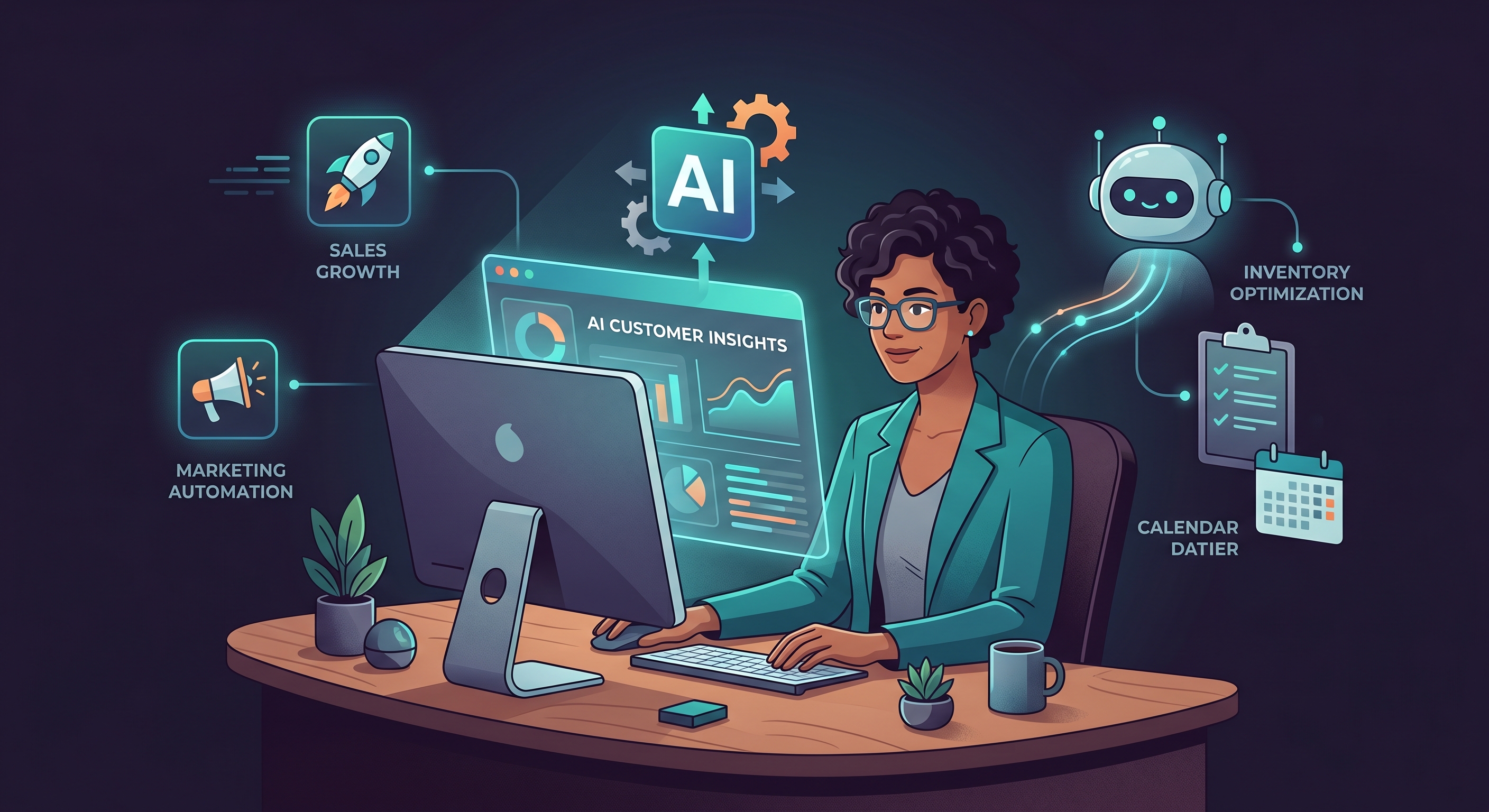
Issue #6 · July 29, 2026 42% of businesses plan to deploy an AI agent in the next 12 months. Only 41% of those deployments hit their year-one ROI target. That's a near coin-flip — and the reason it's so close has nothing to do with which model you chose. This issue is about the gap between deploying an agent and getting your money back. We'll show you where the money actually goes, which verticals pay off fastest, and how to decide whether to build, buy, or go hybrid — before you talk to a single vendor. |
|
|
This issue contains affiliate links. If you purchase through these links we may earn a commission at no additional cost to you. |
|
|
|
|
|
|
The 59% Problem: Why Most AI Agent Deployments Don't Pay OffHere's the number that should make every SMB owner pause: 42% of businesses plan to deploy an AI agent in the next 12 months. But only 41% of those deployments hit their year-one ROI target. That means the majority of deployments — the 59% — miss the mark. And the reason almost never comes down to which model you used, or whether you chose the right prompt, or whether GPT-5 would have been better than Claude. The failures trace back to the same four things every time: scope selection, integration readiness, change management, and measurement discipline. The infrastructure problem. Most production AI agents don't fail because the model is bad. They fail because the infrastructure around them is invisible. The agent works fine in isolation. Then it hits a real workflow — a legacy CRM that doesn't connect cleanly, an approval process no one documented, a handoff that requires human judgment the agent wasn't given — and it stalls. This is why the cost breakdown matters so much. Most SMBs budget for the platform and nothing else. But the platform typically represents only about 20% of your total deployment cost. Integration and setup runs closer to 30%. Change management — training your team, updating processes, managing the transition — is another 30%. The remaining 20% goes to ongoing maintenance, monitoring, and iteration. If you're only budgeting for the platform, you're walking in underfunded for 80% of the actual work. What the 41% do differently. The deployments that hit ROI in year one share a few consistent traits. They pick a narrow, high-volume workflow to start — not "automate customer service" but "automate first-line ticket triage for our three most common request types." They set a payback period expectation before selecting a platform. And they document their baseline before they deploy anything. On payback timelines: for high-volume, repeatable work like customer service or data entry, expect 3 to 6 months to positive ROI. Medium-complexity workflows — finance reconciliation, HR screening — run 6 to 12 months. If a vendor is telling you anything beyond 18 months is normal, that's a red flag worth taking seriously. The one step that predicts success: Before you evaluate a single platform, document your current baseline in the workflow you want to automate. Write down: how many times this task occurs per month, how long it takes, what it costs you in time and labor, and what the current error rate looks like. Organizations that do this before deployment consistently outperform those that don't. It's not glamorous. It's not technical. But it's the single step that most predicts whether your deployment ends up in the 41% or the 59%. |
|
|
|
|
Which Vertical Gets the Fastest Return? A Practical ComparisonNot every use case pays back at the same rate. Before you commit to a deployment, it helps to know where the fastest validated returns actually are. Here's an honest look at the three verticals with the clearest production data. Customer Service — Most Mature. Fastest Payback. AI agents are handling 55 to 70% of support tickets in live production deployments right now — not pilots, not demos. This is the most mature use case by a significant margin, and it has the shortest payback window: 3 to 6 months. What it actually replaces: first-line triage, FAQ responses, and ticket routing. What it doesn't replace: complex issue resolution, emotional situations, anything requiring real judgment. The teams getting the most out of AI in support aren't cutting headcount — they're absorbing volume growth without adding headcount. If you're coordinating a multi-agent support workflow — routing tickets across specialized agents, managing escalations, tracking resolution — Taskade is worth a look. It's built specifically for running multiple AI agents in parallel, which is exactly what a real support operation requires once you move past a single-agent setup. Finance & Accounting — Strong ROI, Emerging Adoption. 63% of organizations have fully deployed AI in at least one accounting workflow. The payback window runs 4 to 8 months. The workflows with the clearest ROI: invoice reconciliation, month-end close variance analysis, and expense categorization. 61% of CFOs say AI agents are changing how they evaluate ROI across the business entirely — not just in finance. Agents don't replace accountants in this model; they eliminate rote data entry so accountants can do advisory work. For connecting finance agents to your existing accounting stack, Make handles the integration layer well — bridging your AI agent to QuickBooks, Xero, or whatever accounting platform you're running without requiring engineering resources. HR & Recruiting — Exploring, Not Yet Proven at Scale. 67% of organizational leaders are actively exploring AI agents in HR and recruiting. The payback window is longer: 6 to 12 months. One real caution: HR is data-sensitive. If you're deploying agents in screening or evaluation workflows, make sure your privacy and bias considerations are addressed before you go live. The clear starting point: customer service gives you the fastest validated return with the lowest implementation risk. Start there, learn what works in your environment, then expand. |
|
|
|
|
Build, Buy, or Hybrid? The SMB Decision That Actually MattersMost SMBs spend their energy trying to figure out which AI model is best. That's the wrong question. The right question is: what's your implementation path, and does it match what you're actually capable of executing? Buy — Hosted Platforms (4 to 12 weeks to production) Best for: SMBs without engineering capability, or anyone who needs to move fast. Platforms like Taskade, ChatGPT Enterprise, Microsoft Copilot, and Zendesk fit here. Higher per-seat cost and less flexibility, but you're operational in weeks, not months. Hybrid — Low-Code / No-Code (1 to 4 weeks to production) Best for: rapid prototyping and teams with a citizen developer or ops-minded person who can configure tools. Make fits well here — it's particularly good at connecting an AI agent to the systems you already run, pulling data from your CRM, pushing results to your accounting software, and sending notifications through Slack, without requiring engineering work. Zapier and n8n are alternatives depending on your tech comfort level. Build — Open-Source Frameworks (3 to 6 months to production) Best for: organizations with an engineering team and a longer runway. Frameworks like LangGraph, CrewAI, AutoGen, and Dify give you full control and no licensing cost. If you don't have a developer who can own this, the build path isn't actually cheaper — it's just more expensive in a different way. On model choice: all current frontier models — Claude Opus 4.x, GPT-5, Gemini 3.1 Pro — are capable of handling agent workloads. The model is not your bottleneck. Pick the one that integrates most cleanly with your chosen platform. One vendor evaluation question worth asking: "Can you show me production deployments with your customers? Not pilots — production." Fewer than 1 in 5 vendors claiming full-stack AI agent capability have actually shipped to production at scale. |
|
|
|
|
|
|
|
That's Issue #6. Every week there's more to cover — new tools, new data, new use cases worth knowing about. We'll keep bringing you what's useful and skip the rest. If you found this issue useful, forward it to another SMB owner who's thinking about AI agents. It's the best way to help us reach more people who can put this to work. — Put AI to Work |
The AI Agent You Can Trust

The best assistants don't multitask their attention across a hundred tools. Neither does Catch. It's an AI agent that focuses on one thing — the admin work you'd rather not touch — and does it exceptionally well.
Scheduling, flights, restaurants, follow-ups, vendors, clients. You hand it over; Catch handles the back-and-forth and comes back with it done.
No context-switching. No dropped balls. Just your admin, quietly cleared — so your focus stays on the work only you can do.
Meet the agent built for admin, and it'll be ready to work before your next meeting.
Get started at catchagent.ai — and give your attention back to what matters.